





Generator
Storia
Modello
Base
Interruttore
Pianta di riferimento
Carica
cameraDaLetto
-
2
+
bagno
-
1
+
Area lorda
Unità Metrico
 imperiale
Metrico imperialeArea
< 50㎡
50-80㎡
80-100㎡
100-120㎡
120-150㎡
> 150㎡
Extra
Cercando qualcosa di specifico?
es: Salone in stile moderno con colori vivaci, illuminazione soffusa e design minimalista.
 Conteggio
Design Your Dream Space Instantly with Our AI Floor Plan Generator
Unleash your creativity and visualize your perfect home layout with Ideal House's intuitive AI Floor Plan Generator. This powerful house floorplan maker transforms your ideas into professional 2D floor plans in seconds, making residential planning effortless. Whether you're a homeowner, designer, or real estate professional, our floor plan creator is your ultimate spatial planning tool for quick, realistic, and shareable designs. Say goodbye to complex architectural drawing software and hello to streamlined home design. Generate your floor plan in a few clicks!
Generate My Floor Plan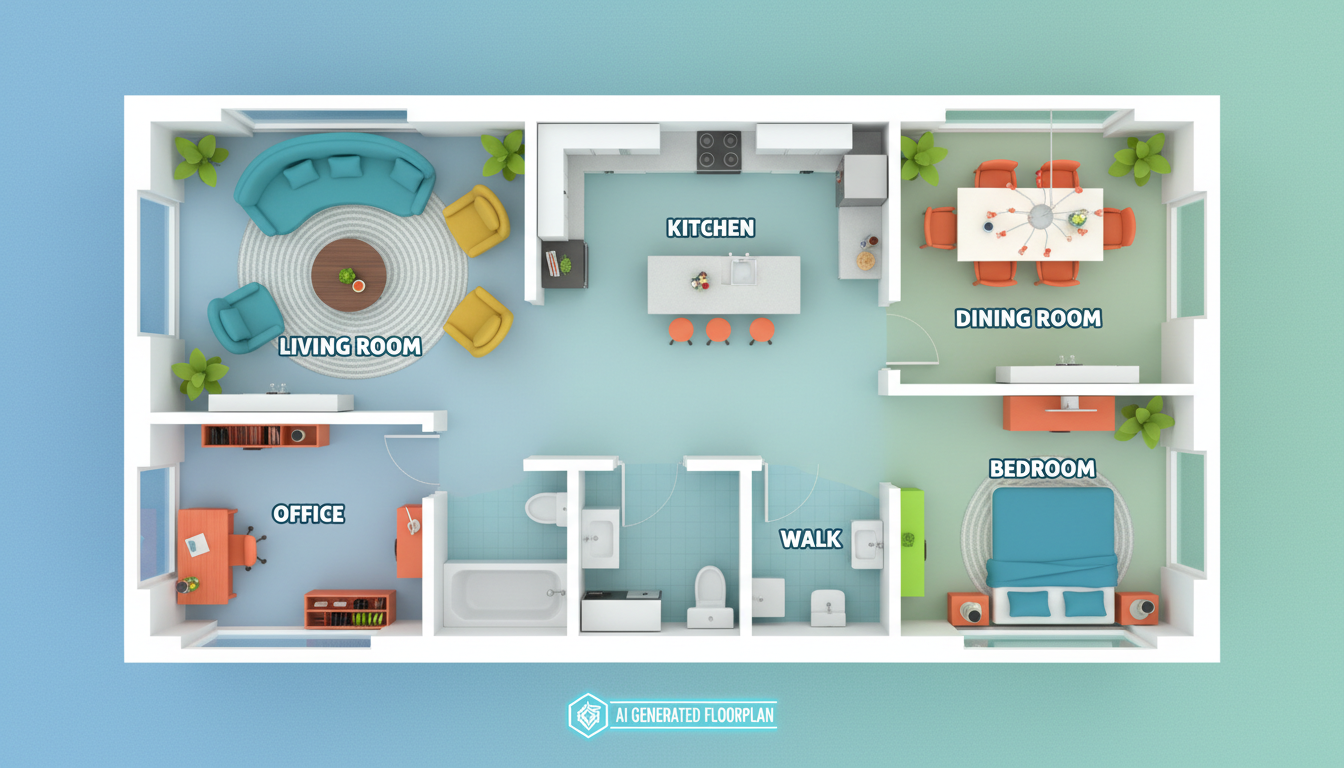


Why Ideal House is Your Go-To House Floorplan Maker

Speed & Simplicity: Your House Floorplan in Seconds
Our AI Floor Plan Generator redefines efficiency. Input your desired number of bedrooms and bathrooms, kitchen style (open or closed), and gross area, then watch as our advanced AI instantly drafts a detailed 2D floor plan. This floor plan creator eliminates the tedious manual drawing, giving you more time for creative exploration and less time on technicalities. It’s the fastest house planner online.
Smart Customization: Crafting Your Perfect Room Layout
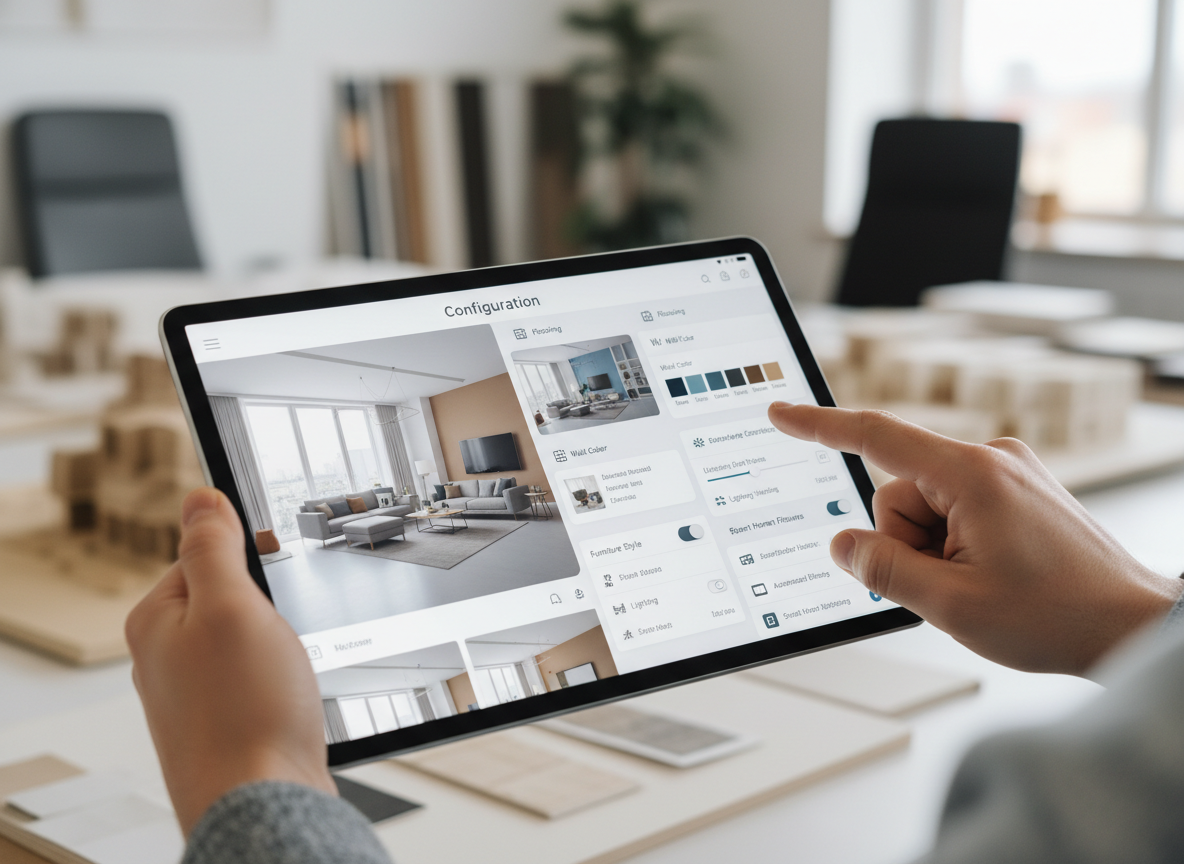
Beyond basic rooms, our house floorplan maker offers smart 'extras' like walk-in closets, laundry rooms, home offices, and garages. These options intelligently influence your apartment layout or small house plans, ensuring every generated floor plan aligns precisely with your lifestyle needs. It’s more than just a floor plan creator; it’s a personalized living space arrangement tool.
Professional-Grade 2D Floor Plans for Any Need
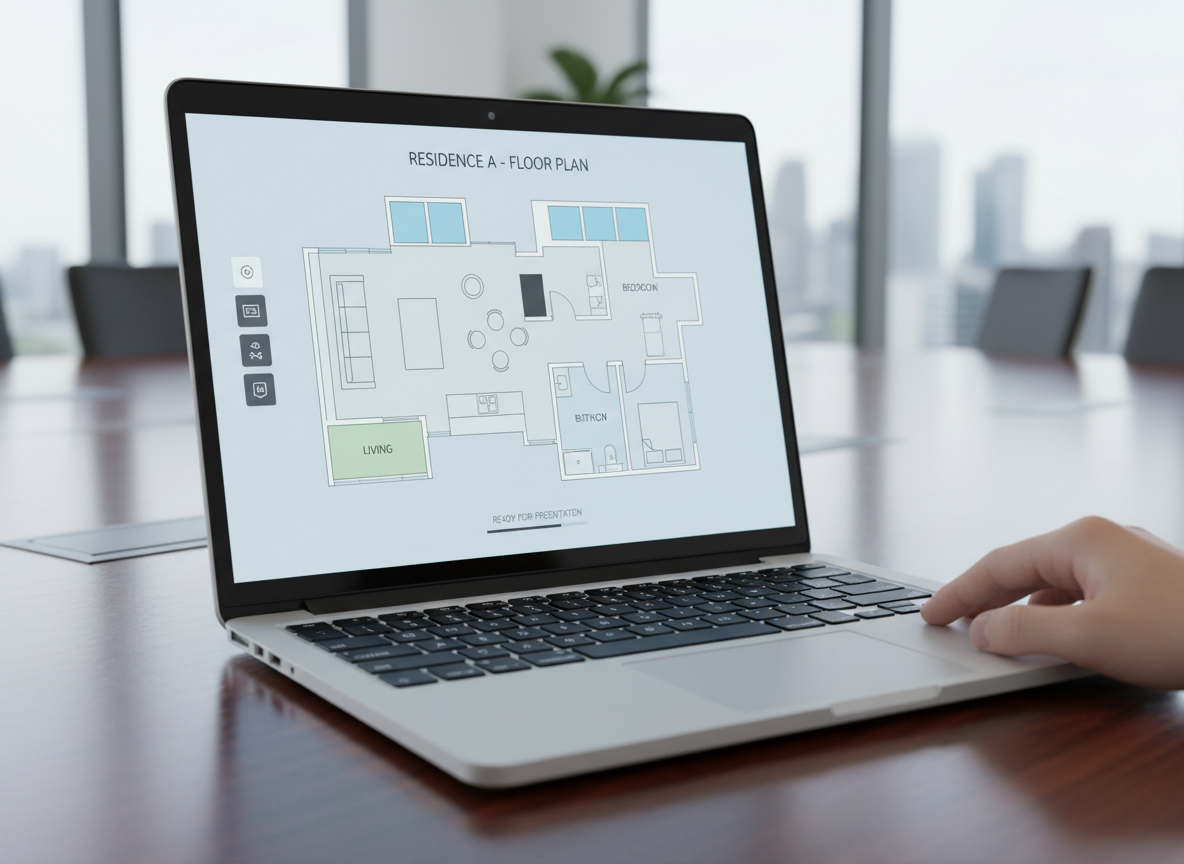
Ideal House delivers crisp, clean 2D floor plans perfect for presentations, listings, or personal projects. This architectural drawing software alternative provides consistent, high-quality digital floorplans that are easy to understand and share. From initial concept to final client review, our house floorplan maker ensures your designs look polished and professional every time, making it an ideal home design software.
Effortless Iteration & Comparison
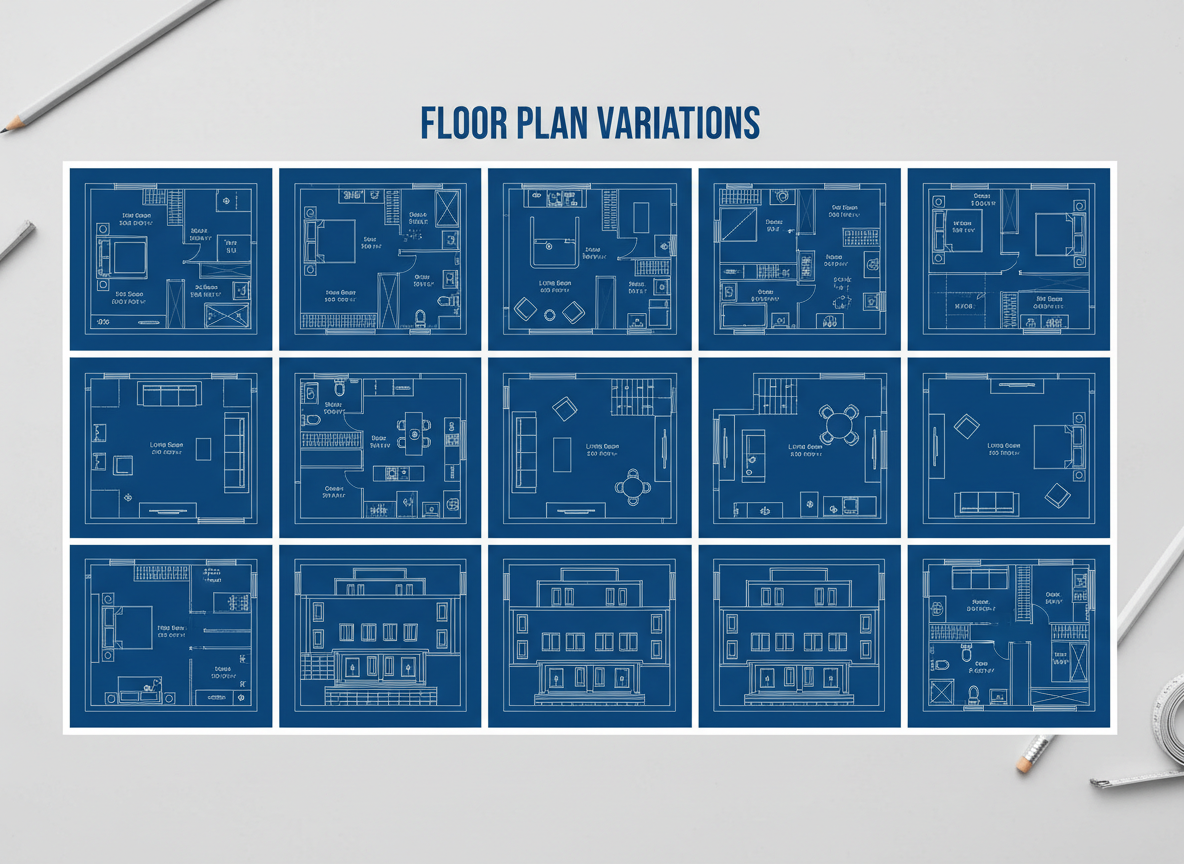
Every floor plan generated is automatically saved in your 'Generation History.' This feature allows you to compare different custom home layouts side-by-side, tweak parameters, and regenerate until you find the perfect design. Our floor plan creator empowers you to iterate quickly, fostering creativity without the fear of losing previous ideas. It's DIY home design made easy.

Who Benefits from Our AI Floor Plan Generator?

Homeowners & DIY Enthusiasts: Quickly visualize renovations or new builds without complex software. Discover practical kitchen design ideas or bathroom design layouts.

Interior Designers & Decorators: Generate quick concepts and iterate live with clients, showcasing various living space arrangements and apartment layouts.

Real Estate Agents & Developers: Create consistent, professional 2D floor plans for listings, enhancing buyer understanding and engagement for any residential planning tool.

Contractors & Consultants: Translate verbal briefs into clear visual plans, streamlining communication and project scope discussions.

How to Use Ideal House: Your AI Floor Plan Generator
1
**Set Your Core Rooms:** Begin by selecting the desired number of bedrooms (0-4) and bathrooms (1-3) for your ideal house floorplan. Default settings are 2 bedrooms and 1 bathroom, providing a great starting point for most users.
2
**Choose Your Kitchen Style:** Decide if you prefer an 'open' or 'closed' kitchen. This crucial choice for your floor plan creator influences the flow and feel of your main living areas.
3
**Define Gross Area:** Pick a gross area range that best matches your project's size, such as <50㎡ to >150㎡. This guides the AI to create a realistic scale for your 2D floor plan, ensuring proper room proportions.
4
**Add Personalized Extras:** Enhance your custom home layouts by multi-selecting features like a walk-in closet, laundry room, home office, garage, pantry, combined living-dining area, or balcony. These additions help shape the unique character of your house floorplan.
5
**Generate & Refine:** Click 'Generate' to instantly produce your new floor plan. Review the results, then easily tweak your selections and regenerate to explore different versions of your digital floorplan. All generations are saved for easy access.
6
**Download & Share:** Once satisfied, export your perfected 2D floor plan as an image or PDF. Share it effortlessly with clients, family, or integrate it into your property listings to showcase your spatial planning tool's output.
Frequently Asked Questions About Our House Floorplan Maker
How does the AI Floor Plan Generator create my layout from selections?
Our AI floor plan generator uses advanced algorithms to interpret your inputs (beds, baths, kitchen type, gross area, and extras). It applies common architectural principles and spatial planning rules to draft a coherent and functional 2D floor plan, creating a fresh concept with every click. It's an intelligent floor plan creator designed for efficiency.
What are the available ranges for bedrooms, bathrooms, and kitchen styles?
You can select between 0-4 bedrooms (default 2) and 1-3 bathrooms (default 1). For kitchens, you have the option of 'open' or 'closed' (default open). These parameters help define the core structure of your house floorplan.
How does 'Gross Area' affect my floor plan?
The 'Gross Area' band is critical for guiding the overall scale of your design. Choosing the closest band helps the AI create room sizes and corridor widths that feel natural and proportionate for that specific footprint, ensuring a realistic digital floorplan.
What is the difference between an 'open' and 'closed' kitchen in the generated plans?
An 'open' kitchen typically promotes a continuous flow between living, dining, and cooking areas, creating a more expansive living space arrangement. A 'closed' kitchen, on the other hand, provides a more defined and separate cooking zone, offering privacy and containing cooking odors. Your choice shapes the core of your home design software output.
How do the 'Extras' selections influence the final house floorplan?
The 'Extras' selections, such as a walk-in closet or home office, tell our AI floor plan maker which spaces to prioritize and how to integrate them logically. For example, a pantry will be placed near the kitchen, or a home office in a quieter part of the layout, enhancing the functionality of your custom home layouts.
Explore More Ideal House Design Tools
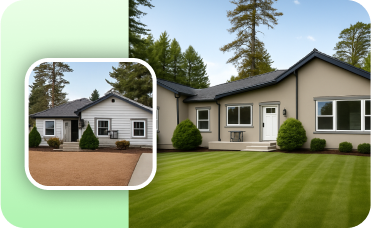
Photo Enhancer
Automatically improve the quality and lighting of your original photos for a more stunning and accurate AI transformation.
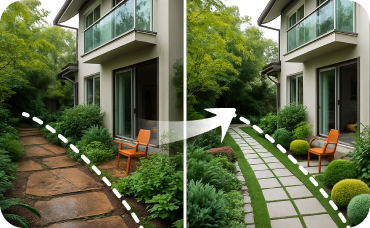
Landscaping
Create stunning, natural curb appeal that complements your design vision.
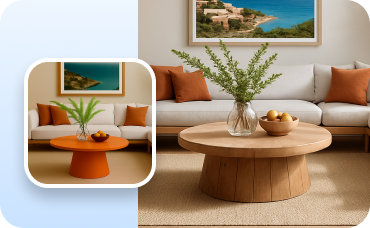
Change Furniture
Instantly add stylish, modern outdoor furniture to your newly designed poolside patio.
Ready to Design Your Ideal House Floorplan?
Stop sketching and start generating. Our AI Floor Plan Generator makes professional 2D floor plans accessible to everyone. Experience the future of home design today!
Generate My Floor Plan
Ideal.House È più di una semplice piattaforma: è un completo ecosistema domestico per il design di casa. Goditi potenti strumenti di IA come il ristrutturazione di interni, la ristrutturazione esterna, il paesaggismo per creare spazi straordinari e lascia che HouseGPT ti guidi con raccomandazioni personalizzate per la pianificazione, la costruzione e la decorazione delle stanze. Connettiti con una comunità appassionata per scambiare idee e suggerimenti, quindi realizzare i tuoi design dalla concezione al completamento con prodotti accuratamente selezionati che si adattano ai tuoi gusti.
In Ideal.House, Abbiamo creato uno spazio dove tecnologia, creatività e collaborazione si incontrano per ridefinire il design di casa.
In Ideal.House, Abbiamo creato uno spazio dove tecnologia, creatività e collaborazione si incontrano per ridefinire il design di casa.
Supporto tecnico [email protected]
Mostre



💰 Ottieni il 10% di commissione come partner affiliato di Ideal House.
Unisciti a noi